User Recordings
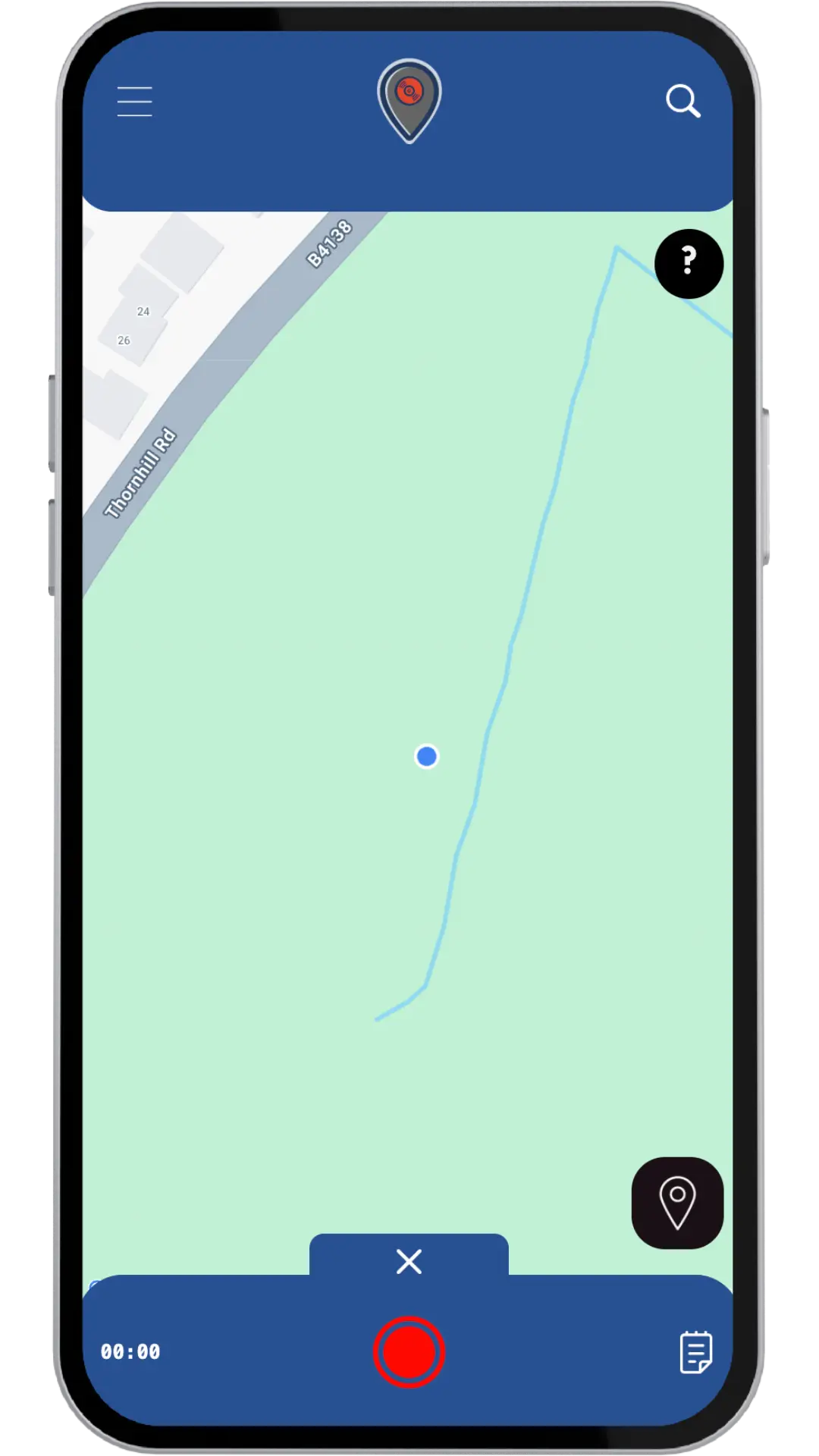
User Recordings are your personal audio creations. When you record audio in Overhear, you're creating a unique piece of audio that belongs to you and can be shared with the community.
Key Features
Personal Ownership
- Every recording you create is linked to your account
- You maintain full control over your recordings
- Recordings are stored in your personal library for easy access
Flexible Creation
- Record audio and pin it to your current location
- Add titles, descriptions, and tags to organise your recording
- Choose whether to make recordings part of a public or private project
Project Integration
- Add your recordings to projects you're part of
- Create new projects for recording collections
- Invite others to collaborate on your projects
Auto Moderation
- Audio is transcribed and auto checked for age rating
- Pins are not collectable until a rating is set
- Takes 1–2 minutes before either cleared or flagged for review
How It Works
-
Move
Go to your desired location on the map
-
Record
Use the recording feature to capture your audio (must be within proximity of your current location)
-
Customise
Add metadata, tags, and choose your project
-
Save
Your recording is automatically added to your recordings library
-
Share
Your recording becomes available to others (if public)
Submissions
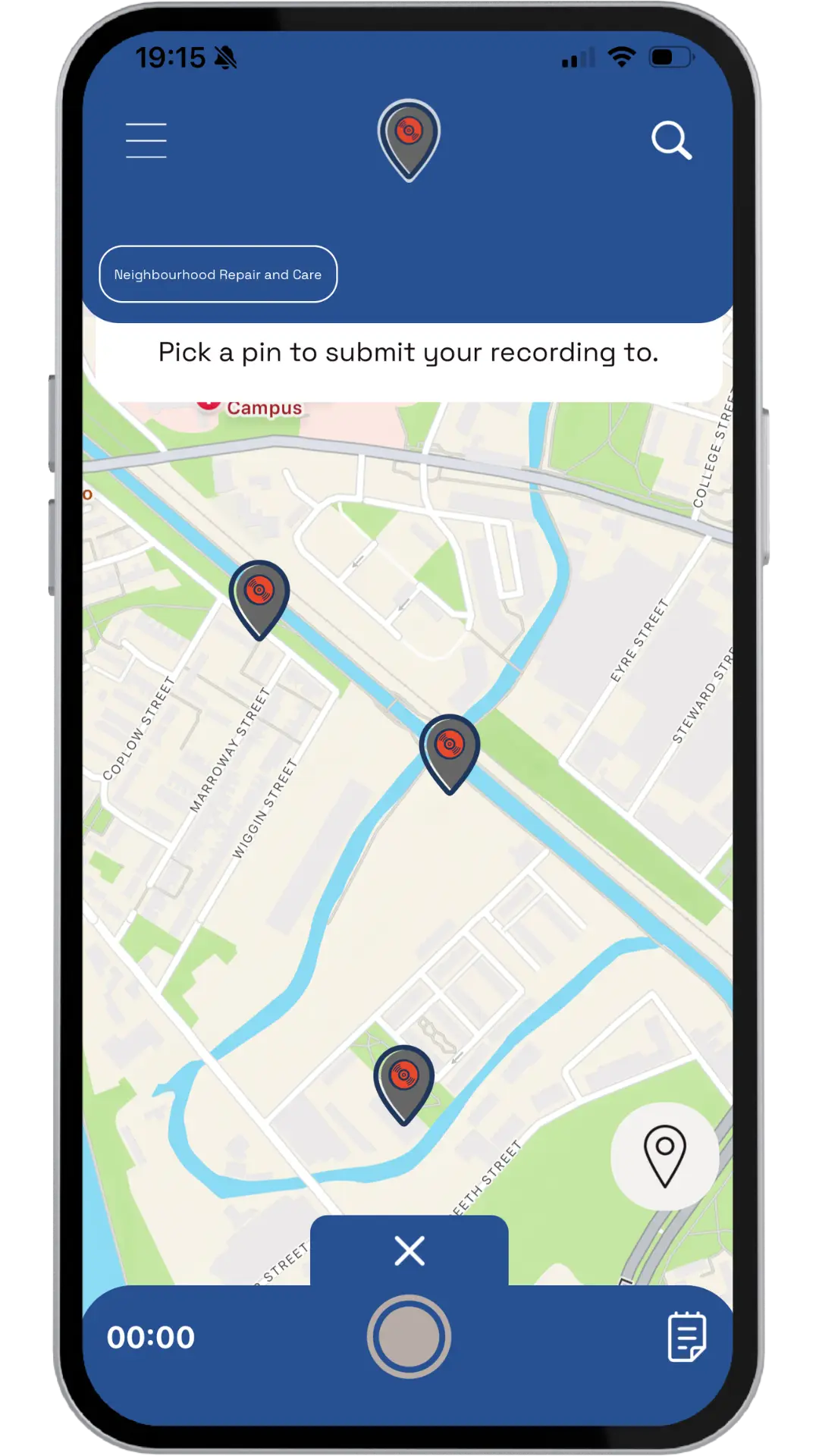
Submissions allow you to contribute your own audio recordings to existing pins in projects that welcome community contributions. This is your way to add your voice to established locations and stories.
Key Features
Contribute to Existing Pins
- Submit recordings to pins that already exist in projects
- Projects must have submissions enabled to accept contributions
- Your submission becomes part of the pin's album collection
Quality Assurance
- All submissions go through moderation before publication
- Projects can enable strict moderation for additional review
- Ensures appropriate and high-quality recordings for the community
Multiple Contributions
- You can submit multiple recordings to the same pin
- Each submission is a separate contribution
- Build on the stories and experiences shared by others
Location-Based Storytelling
- Connect your recording to a specific location on the map
- Add to the narrative of places you visit
- Contribute to the collective memory of locations
How It Works
-
Select Project
Choose a project that accepts submissions (look for the 'Submit' button)
-
Choose Pin
Select an existing pin on the map where you want to contribute
-
Record
Create your audio recording
-
Submit
Add your recording with title, description, and tags
-
Moderation
Your submission is reviewed before being added to the pin's album
-
Publication
Once approved, your recording appears in the pin's collection
Responses
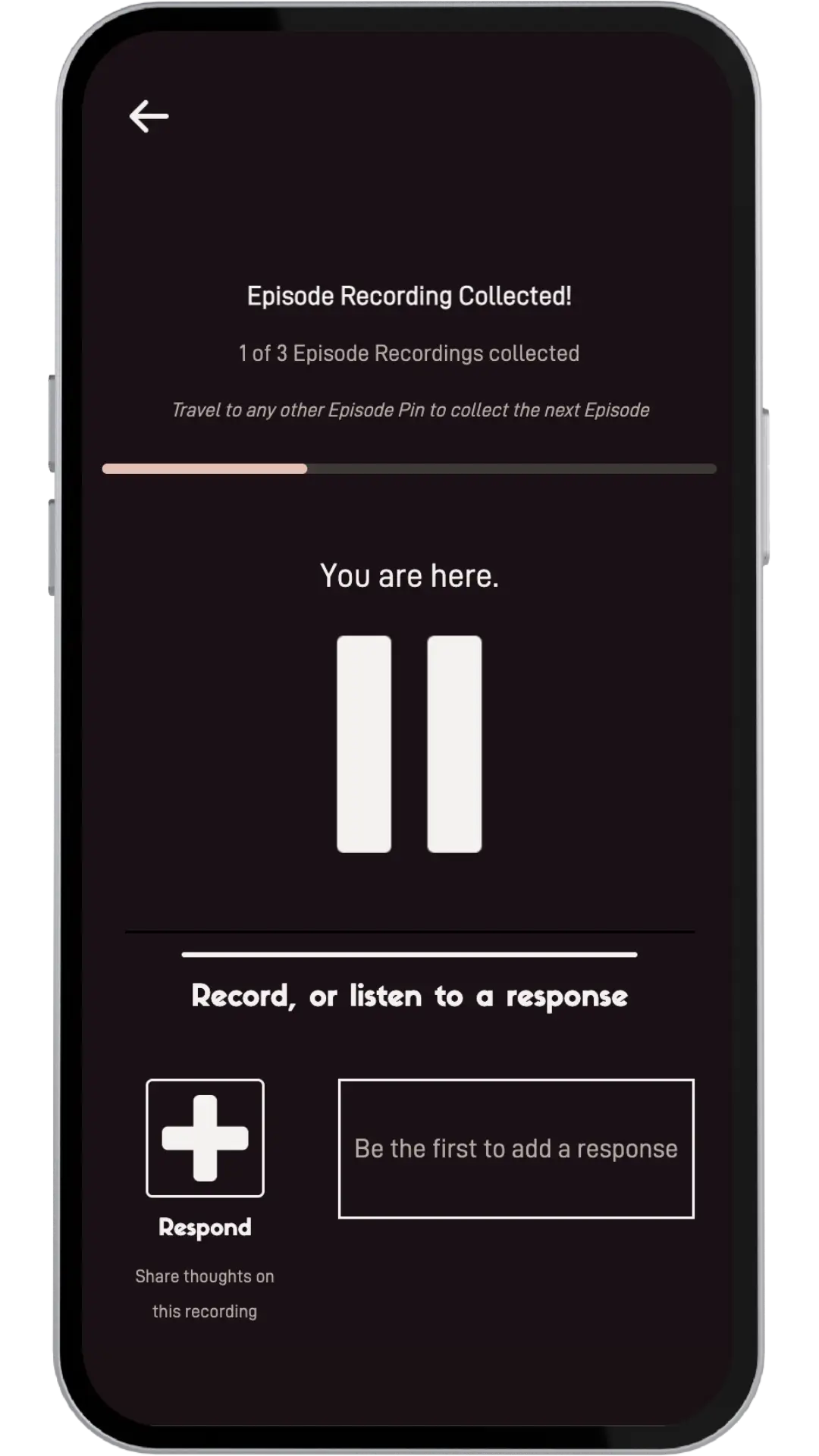
Responses let you engage directly with recordings you've listened to. You can reply with either text or audio, creating conversations and connections around shared audio recordings.
Key Features
Flexible Response Types
- Text Responses: Quick thoughts, comments, or written reactions
- Audio Responses: Record your voice to continue the conversation
- Choose the format that best expresses your response
Direct Engagement
- Respond to any recording in projects with responses enabled
- Your response appears directly below the original recording
- Create threaded conversations around audio recordings
Personal Limits
- One text response per recording
- One audio response per recording
- Edit or update your existing responses at any time
Community Dialogue
- See all responses from other users
- Build on conversations started by recordings
- Create rich, multi-layered discussions
How It Works
-
Listen
Play a recording in a project with responses enabled
-
Respond
Choose to add a text or audio response
-
Create
Write your text or record your audio response
-
Submit
Your response is saved and linked to the original recording
-
Display
Your response appears below the recording for others to see
Project Requirements
- Projects must have Responses enabled to allow responses
- Responses are auto-moderated to ensure appropriate content rating
- Responses can be viewed by anyone who listens to the original recording