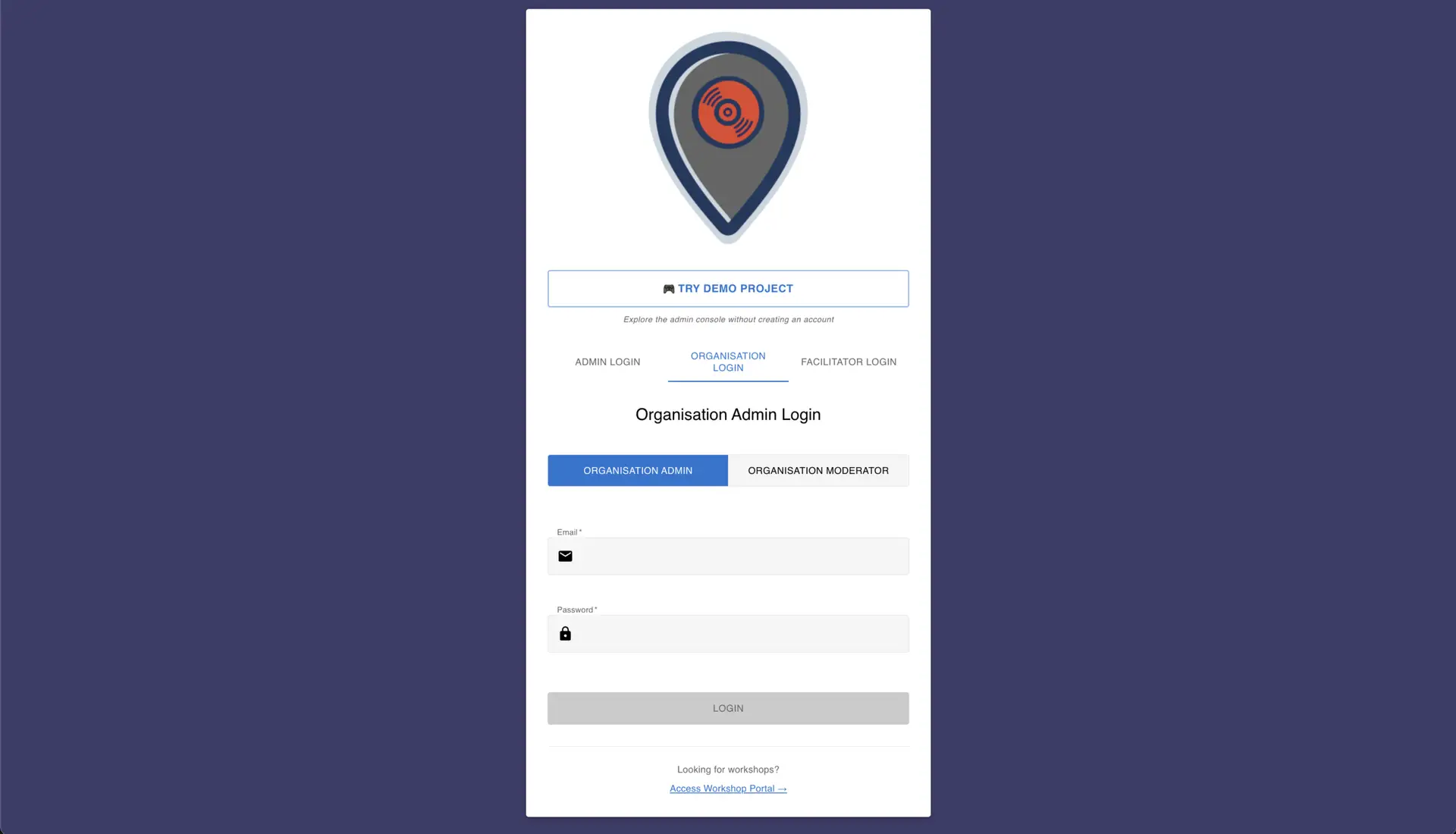
What is an Organisational Login?
Organisation Login transforms Overhear into a secure, membership-based platform. Instead of public projects visible to everyone, you create a closed system where only members of your organisation can access designated projects. Members join using unique access codes, ensuring your content remains private and accessible only to those you authorise.
Key Concept: Closed System Access
- Members Only
- Organisation members can only see and access projects you've explicitly granted them access to
- No Public Access
- Unlike regular users, organisation members cannot browse or access public projects
- Complete Control
- You decide exactly which projects each member or group can access
- Secure Entry
- Access is controlled through unique access codes that you generate and distribute
Organisation Login
Organisation Login transforms Overhear into a secure, membership-based platform. Instead of public projects visible to everyone, you create a closed system where only members of your organisation can access designated projects.
Key Benefits
Complete Privacy & Security
- Only authorised members can join your organisation
- Access codes ensure only intended users can enter
- No unauthorised browsing of your content
- Perfect for sensitive educational content or internal projects
- Each member receives a unique access code
- Email verification ensures member identity
- All access is tracked and auditable
Perfect for Educational Settings
- Create private projects for specific classes or year groups
- Control access to age-appropriate content
- Build internal audio libraries for educational use
- Ensure students only see content relevant to their studies
- Manage access across departments or teams
- Create separate projects for different groups
- Maintain privacy for internal communications or training
Simple Member Management
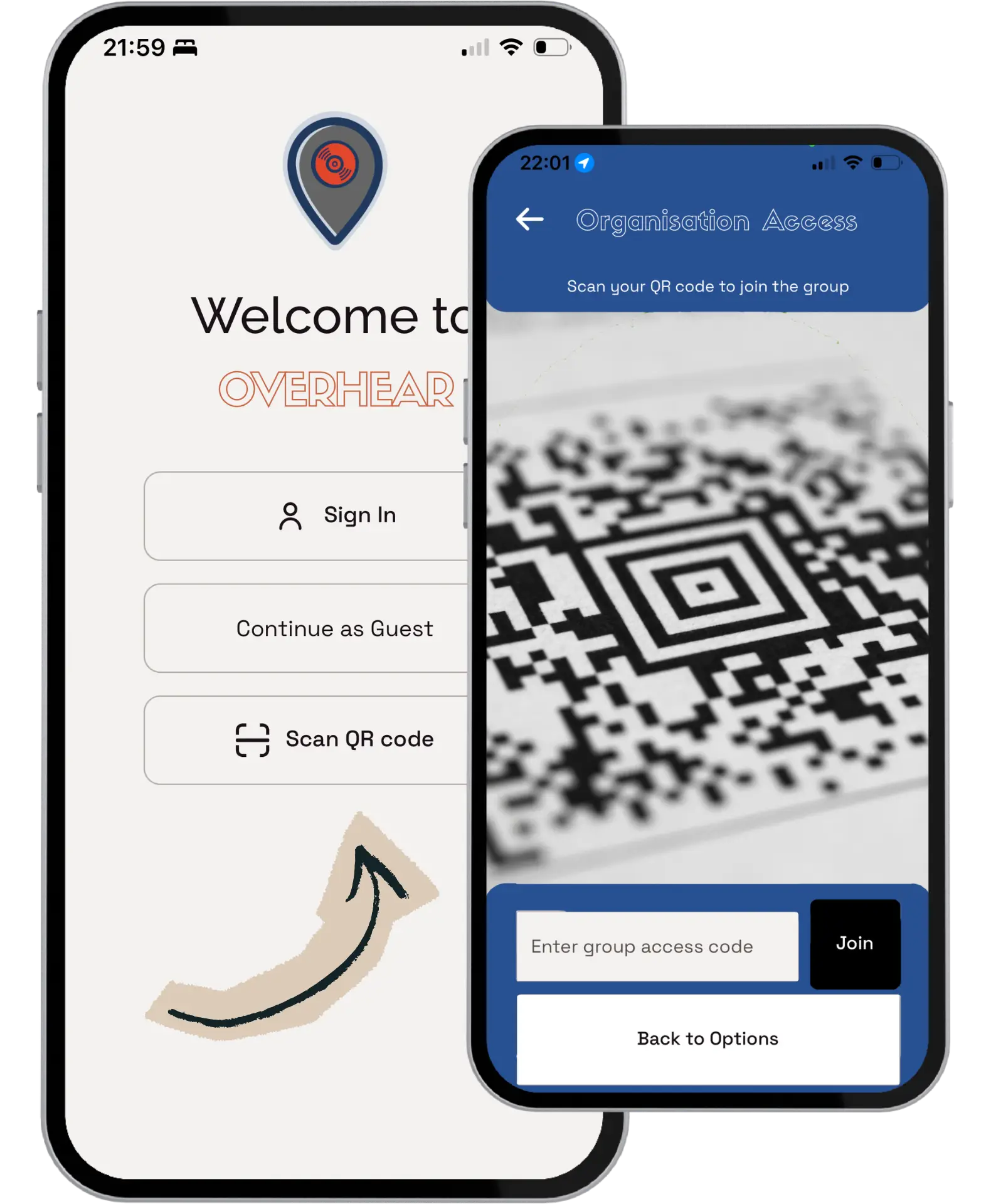
- Members join by scanning a QR code or entering an access code
- No complex registration process required
- Quick setup gets members accessing content immediately
- Support for both individual and bulk member onboarding
- Assign different roles to members (member, moderator, admin)
- Control permissions based on roles
- Flexible access management that scales with your needs
Isolated Environment
- Members see only your organisation's projects
- No distractions from public content
- Clean, focused interface showing relevant content only
- Perfect for maintaining attention on educational or organisational goals
- Create projects specifically for your organisation
- Tailor content to your members' needs
- Maintain complete control over the content experience
Use Cases
Schools & Educational Institutions
Classroom Projects: Create audio tours for school grounds or local history. School Events: Private audio experiences for school trips or events. University Programmes: Department-specific audio content.
Organisations & Businesses
Internal Training: Employee training programmes with controlled access. Corporate Events: Private audio experiences for company events. Community Organisations: Member-only content and experiences.
Museums & Cultural Institutions
Educational Programmes: School group visits with private content. Member Programmes: Exclusive content for members only.
Key Features
Access Code System
- QR Code Support: Generate QR codes for easy member onboarding
- Manual Code Entry: Support for text-based access codes
- Code Management: Generate multiple codes, set expiration dates, track usage
Project Access Control
- Granular Permissions: Assign projects to specific members or groups
- Private Projects: Projects visible only to authorised members
Member Management
- Role-Based System: Members, Moderators, and Admins with different permissions
- Activity Tracking: Monitor member engagement and project usage
Security Features
- Email Verification: Verify member email addresses
- Access Auditing: Track who accessed what content
How It Works
For Organisation Administrators
-
Create Your Organisation
- Email hello@theoverhear.app to set up your organisation
- Configure organisation settings and preferences
- Define member roles and permissions
-
Generate Access Codes
- Create unique access codes for members or groups
- Generate QR codes for easy distribution
- Set expiration dates or usage limits if needed
- Control when and how members can join
-
Grant Project Access
- Create projects specifically for your organisation
- Assign projects to specific members or groups
- Control who can see and interact with each project
- Update access as your organisation evolves
-
Manage Members
- Monitor who has joined your organisation
- Track member activity and engagement
- Adjust roles and permissions as needed
- Remove access when members leave
For Organisation Members
-
Receive Your Access Code
- Get your unique access code from your organisation administrator
- Receive it via QR code or as a text code
- Codes are unique to your organisation and membership
-
Join the Organisation
- Open the Overhear app
- Navigate to Organisation Access
- Scan the QR code or enter your access code manually
- Admin completes email verification
-
Access Your Projects
- See only projects your organisation has granted you access to
- Browse and collect audio content from authorised projects
- Enjoy a focused experience without public content distractions
- Access your collected content anytime from your library